
Bringing AI into real work
Improve efficiency, or redesign the company?
A hands-on programme that puts AI into the company’s real work. With your team, on your own processes, you build the first system.
- Choose the work
- Build the AI workflow
- People confirm the key steps
- In-person hands-on workshop
- Mandarin & English
- dates and length per intake
What this programme is
Not another AI tool to learn. AI working inside the company.
Many companies have tried plenty of AI tools, yet none has become the way the company works every day.
This programme is hands-on, on your own processes, data and SOPs: choose the work, build the AI workflow and agents, and keep people confirming the key steps. After the room, vimigo Software can show the agreed operating signals, and the CVO Programme can coordinate across departments and drive execution.

01Choose the work
Which work goes to AI first?
Map the processes, data and hand-offs; pick the few items that are high-value and easy to land.

02Build it
How do we build it on our own processes?
With your own SOPs, data and tools, build the AI workflow and agents — running in the room.

03Make it daily
How does it run every day?
Set owners, review points and an automation roadmap, with people confirming the key steps.
You leave not with a tool lesson, but with the first AI workflow built on your own company.
- Fee and payment details
- See pricing
What participants built
What they built in the room.
Three companies from the October 2026 KL programme, each on its own work. The videos are in Mandarin with Chinese subtitles; the quotes are translated.
Archie Sim
Founder · JP Mart
Japanese-food ingredient wholesale, East Malaysia
A prototype operating system for the company: drivers, pickers and checkers each with their own system, and a manager dashboard, so one manager can run more branches.
“Basically I built an operating system that is better suited to SMEs like us — very functional, the things we need.”
“We also set it up so one manager can look after more branches, so we can save more.”
“I think every boss needs to come and learn this.”
Jeremy Fong
CEO & Director · Seng Huat Electrical & Home Appliances
Electrical retail, founded 1969, third generation
A prototype of one system that joins what used to be separate: invoicing, delivery scheduling and HR.
“What I built is really the soul system of the whole company — the whole company’s system lives in that one system.”
“Before, invoicing had its own system, and delivery also had its own system… HR had its own system… none of it was connected together. If… all of this were connected together, the company would run more smoothly.”
“If he is the soul of the company, I think he, above all, should come first. Only after he has come does he bring his team — every department head — along.”
Khris Liow
HR executive · KANIKA Malaysia
Halal frozen food
An onboarding game for recruiting: a candidate answers 14 questions about the company and gets to “eat” a KANIKA product for each right answer — plus a KPI and reward system across departments.
“Before this I had never created anything like it.”
“We took three days in total to build KANIKA’s onboarding — it is for HR…”
“Once I understand the principle, I can build all of it. Skills can be practised; the understanding has to start from the beginning.”
More participants, in their own words
“It has already fulfilled a wish we have had for eight years — I have been with the company eight years.”
Yuki Hiew · General Manager, SWI Cosmeceuticals
“Basically I can finish one month of sales reconciliation for eight outlets in a day.”
A JP Mart participant · on stage
“Before, we had to open many files… this one took me about two days to build.”
Low Seh Seh · Purchasing HOD, YH Jewellery
“As long as you are still in business and still want to survive, you have to learn AI.”
Kang Pok Wai · Director, Hai Kee Hung Group
“Because the future is an AI world.”
Jason Chua · Business Development, TDOX
“I do not think there is any boss this class is not right for.”
Henry Lim · Managing Director, Glexis Tuition Centre
How the programme runs
Four steps, three stages to go live.
The programme follows Learn, Build, Apply, Implement; back in the company, the classroom demo goes on to a pilot and to production.
- 01
The four-step framework
What you can do afterwards
- 1LearnIdentify the repetitive, manual work AI can assist with — and where a person must still confirm.
- 2BuildDesign the AI team and department structure; build AI workflows, SOPs and a company knowledge base.
- 3ApplyBuild and deploy AI agents in daily operations; measure effectiveness with KPI dashboards.
- 4ImplementComplete a ready-to-execute AI implementation roadmap: next actions, owners and timelines.
- 02
Which team to start with
Seven functional AI teams
These are AI workflows you build for your own company during the programme — not features of the vimigo platform.

- Sales
- Marketing
- Customer Service
- HR
- Finance
- Admin & Ops
- Management
- Start with the highest-value, easiest-to-land team
You do not need every department at once — start with one, then expand.
- 03
How it goes live
From the classroom to production
- 1Classroom demoA process or prototype you can show. Not yet connected to your live systems.
- 2PilotLimited users, limited data, human review — and a user acceptance test it has to pass.
- 3ProductionPermissions, audit trail, monitoring, rollback, data protection, a business owner, maintenance — and real daily use.

Eight assets you leave with, all built around your own business
Book a Company Diagnosis (opens in a new tab)- 01AI Team BlueprintA company-wide AI team overview
- 02AI Department StructureRoles and priorities per functional team
- 03AI WorkflowExisting processes upgraded into AI-assisted ones
- 04AI SOP LibraryProcedures your team can copy and hand over
- 05AI Knowledge BaseStructured company knowledge, FAQs and key assets
- 06AI Agent FrameworkDeployable single- or multi-agent structures
- 07Automation RoadmapA phased plan for automation and integration
- 08Implementation PlanClear next actions, owners and timelines
A map made for this page: the four steps, the seven teams and the eight assets are the programme’s own description; the three stages from the classroom to production are the ones “Before you decide” sets out.
System connection
How this product connects to the rest of vimigo
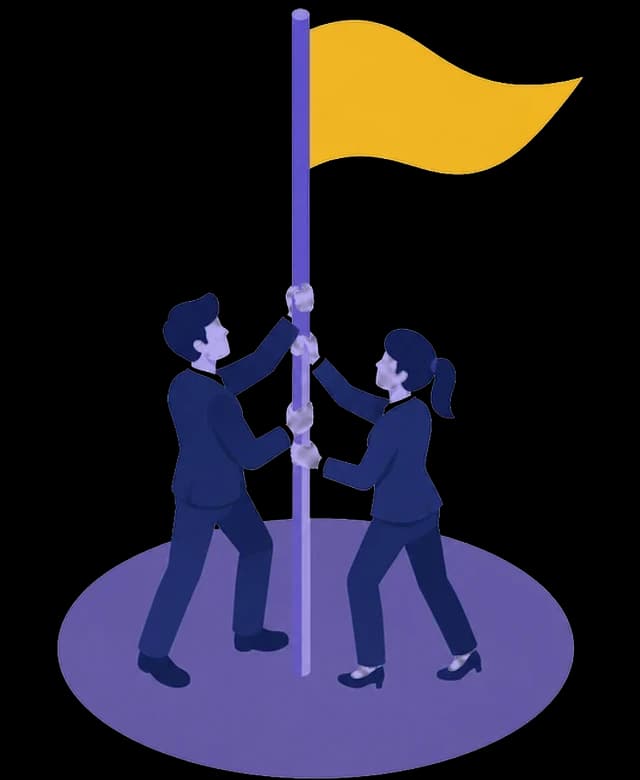
Receives from
The company direction, execution blueprint and selected workflow priorities.
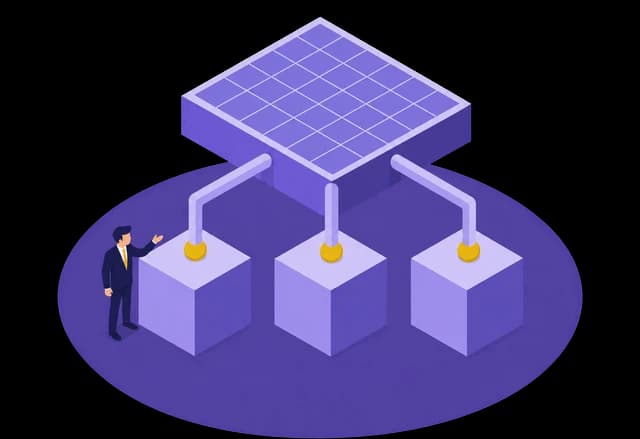
Connects to
vimigo’s forward-deployed team works with yours from scoping to deployment; CVO coordinates across departments and drives execution; vimigo Software can show the agreed operating signals.
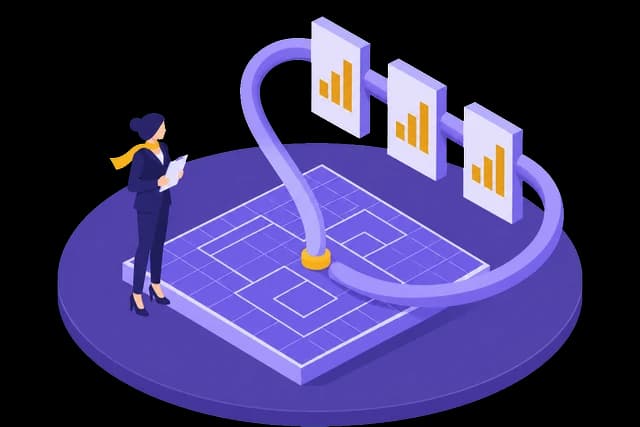
Feedback created
People review AI output, workflow usage and business measures to decide what should be improved or codified next.
Before you decide
What you bring, what is not included, how progress is measured.
A classroom demo, a pilot and production are three different things.
Classroom demo
A process or prototype you can show. Not yet connected to your live systems.
Pilot
Limited users, limited data, human review — and a user acceptance test it has to pass.
Production
Permissions, audit trail, monitoring, rollback, data protection, a business owner, maintenance — and real daily use.
What you bring
- The owner plus the people who own the processes you want AI in
- Real workflows, data, FAQs and SOPs
- Accounts for the tools you already use.
What is not included
- The programme fee does not include a CRM, an ERP, WhatsApp numbers, cloud services, commercial software licences, ongoing maintenance or custom integration. A production deployment is a separate, scoped implementation contract.
How progress is measured
- A working prototype of one workflow, the eight assets built on your own business, and an implementation plan with owners, milestones and what still needs a decision.

How vimigo delivers
Forward-Deployed Transformation Loop
vimigo works alongside business owners, operators and the people inside the company who will run it, across the journey.
FAQ.
Got questions?
Who should attend this programme?
It is built for the people responsible for real implementation:
- Business owners, founders & decision-makers
- Department heads across Sales, Marketing, CS, HR, Finance & Admin
- Teams driving process, systems & digital transformation
- Managers who want higher productivity and execution speed
The question is not whether you can use AI — it is whether your company can turn AI into a team capability.
What will we take home?
Eight assets, all built around your own business:
- AI Team Blueprint — a company-wide AI team overview
- AI Department Structure — roles and priorities per functional team
- AI Workflow — existing processes upgraded into AI-assisted ones
- AI SOP Library — procedures your team can copy and hand over
- AI Knowledge Base — structured company knowledge, FAQs and key assets
- AI Agent Framework — deployable single- or multi-agent structures
- Automation Roadmap — a phased plan for automation and integration
- Implementation Plan — clear next actions, owners and timelines
Do we have to build every AI team at once?
No. The programme covers seven functional AI teams — Sales, Marketing, Customer Service, HR, Finance, Admin & Ops, and Management.
These are AI workflows you build for your own company during the programme — not features of the vimigo platform.
You don’t need every department at once — start with the highest-value, easiest-to-land AI teams, then expand.
What will we be able to do afterwards?
- Identify repetitive, manual work AI can assist with — and where a person must still confirm
- Design a dedicated AI team & department structure
- Build AI workflows, SOPs & a company knowledge base
- Build & deploy AI agents in daily operations
- Measure AI effectiveness with KPI dashboards
- Complete a ready-to-execute AI implementation roadmap
Find the right starting point, then agree the scope.
Already a customer? Log in to vimigo